Carrier setup
ESSENTIAL STANDARD
If you have agreements with carriers that are not yet active in Delivery, you can connect them to a sender on the Senders page. Depending on your subscription, you may first need to order the carrier in the webshop. Once added, you can ship with all your carriers from one place.
Go to the webshop from the quick link menu to the right or from the upper top menu.
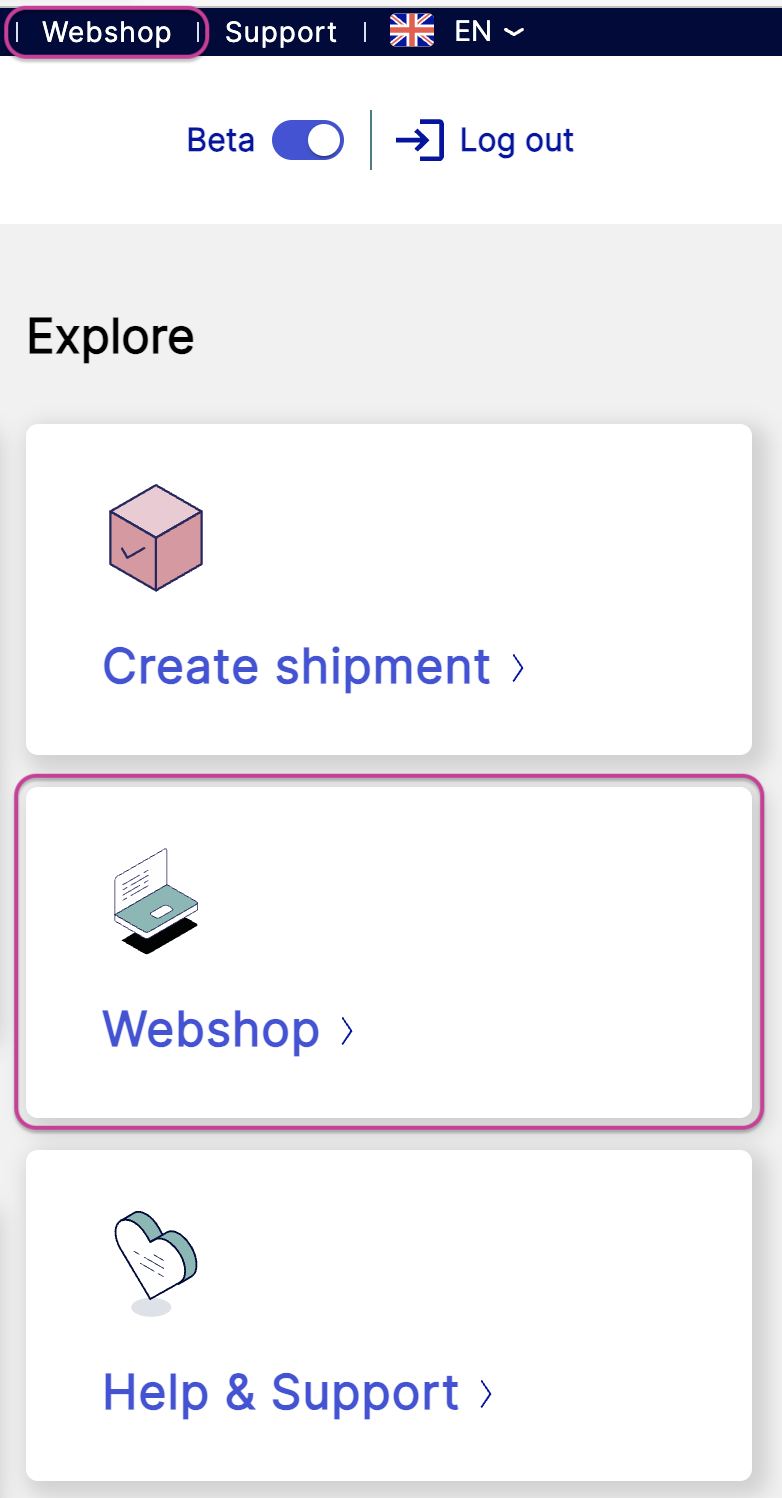
Select Add more carriers.
Search for the carrier you wish to add.
Click .
Click .
Fill in the required text fields (*).
Note
Make sure to enter a relevant contact person so you don't risk missing out on important information.
Contact the carrier if you're unsure which customer number to use.
Read and approve nShift's general terms and conditions.
Click .
You will receive an email when the order is handled, usually the same day.
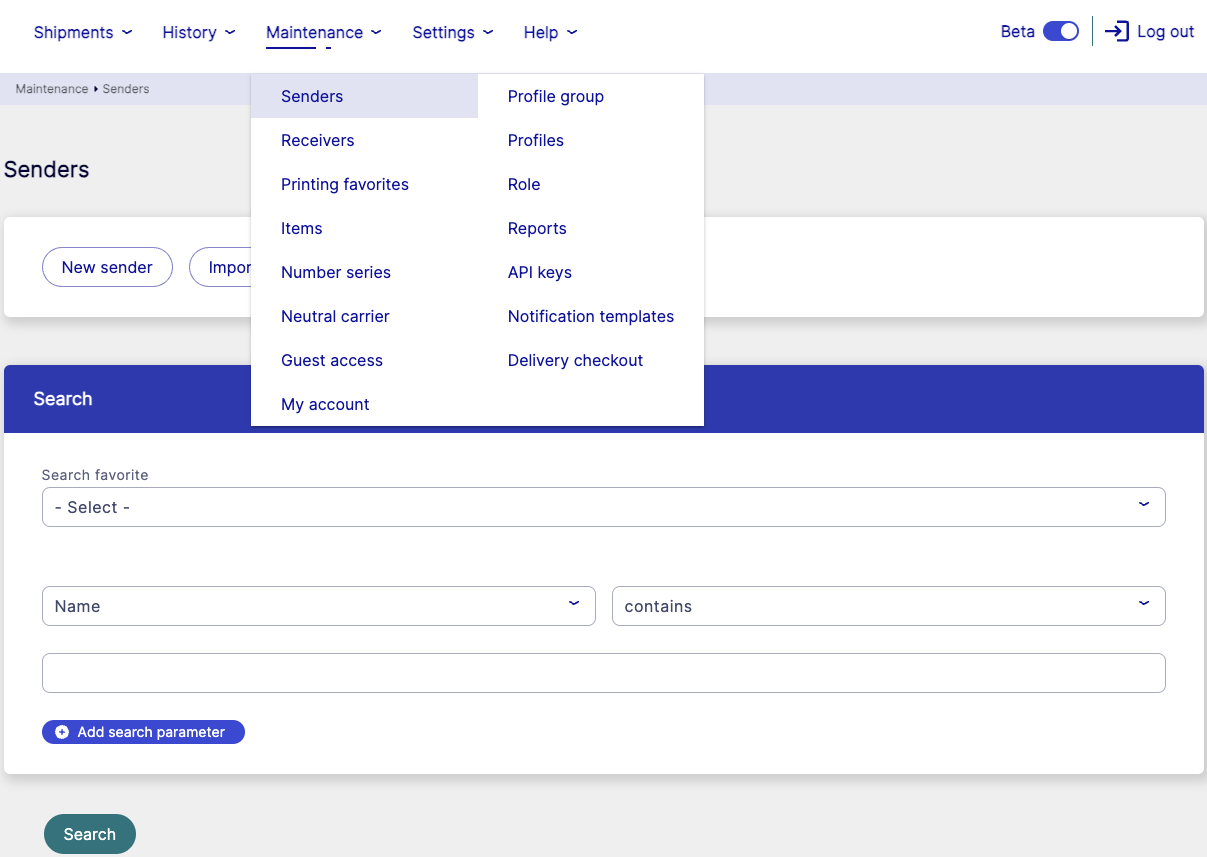
Go to > .
Select or use the search function to find your sender.
Note
If you have more than one sender you have to add the carrier on all senders.
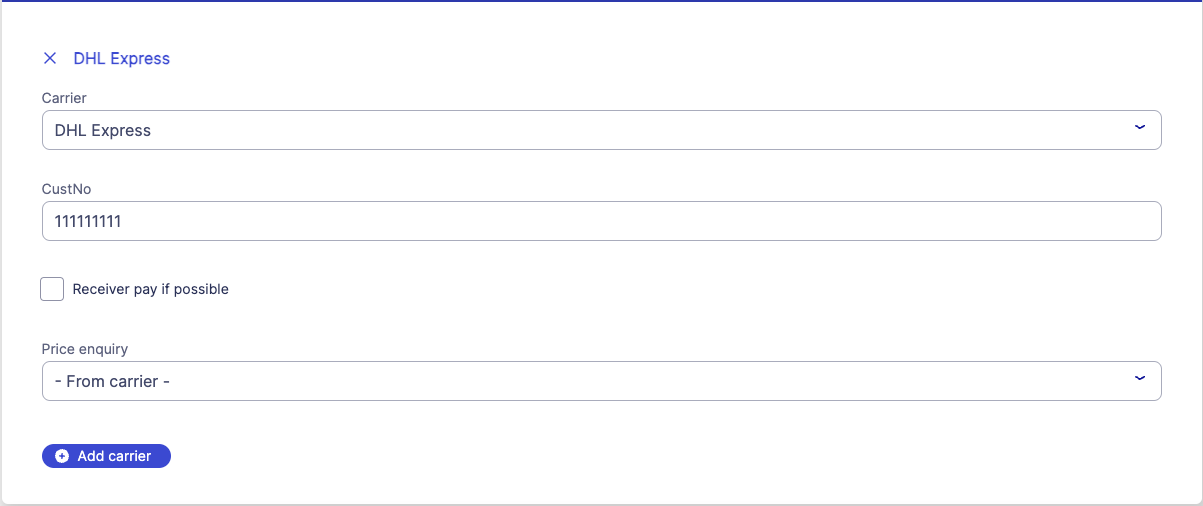
Go to the Carriers section.

Click
 .
.Select a carrier from the Carrier dropdown menu.
Enter your carrier customer number in the CustNo field.
Tip
Contact the carrier if you're unsure which customer number to use.
Enter other carrier information, if relevant or requested by the carrier.
Click .