Getting started with the FedEx API connection
Follow the steps below to configure your FedEx integration.
Obtain your API credentials
Use this link to request credentials for the FedEx API connection.
Important
Have your existing FedEx account number ready. You’ll need it to complete the registration process.
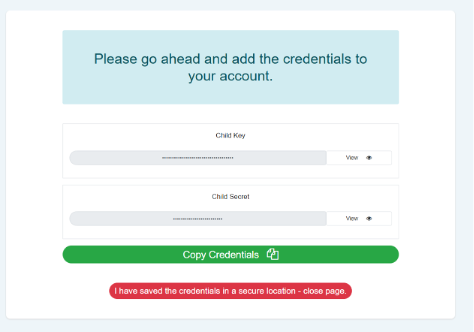
Receive your child credentials
Once your request has been processed, your registered child credentials will be issued. You will use these credentials to configure and activate your FedEx carrier integration.
Add your child credentials to a Sender
When you receive your child credentials:
Log in to nShift Delivery.
Open and select .
Choose the Sender you want to update.
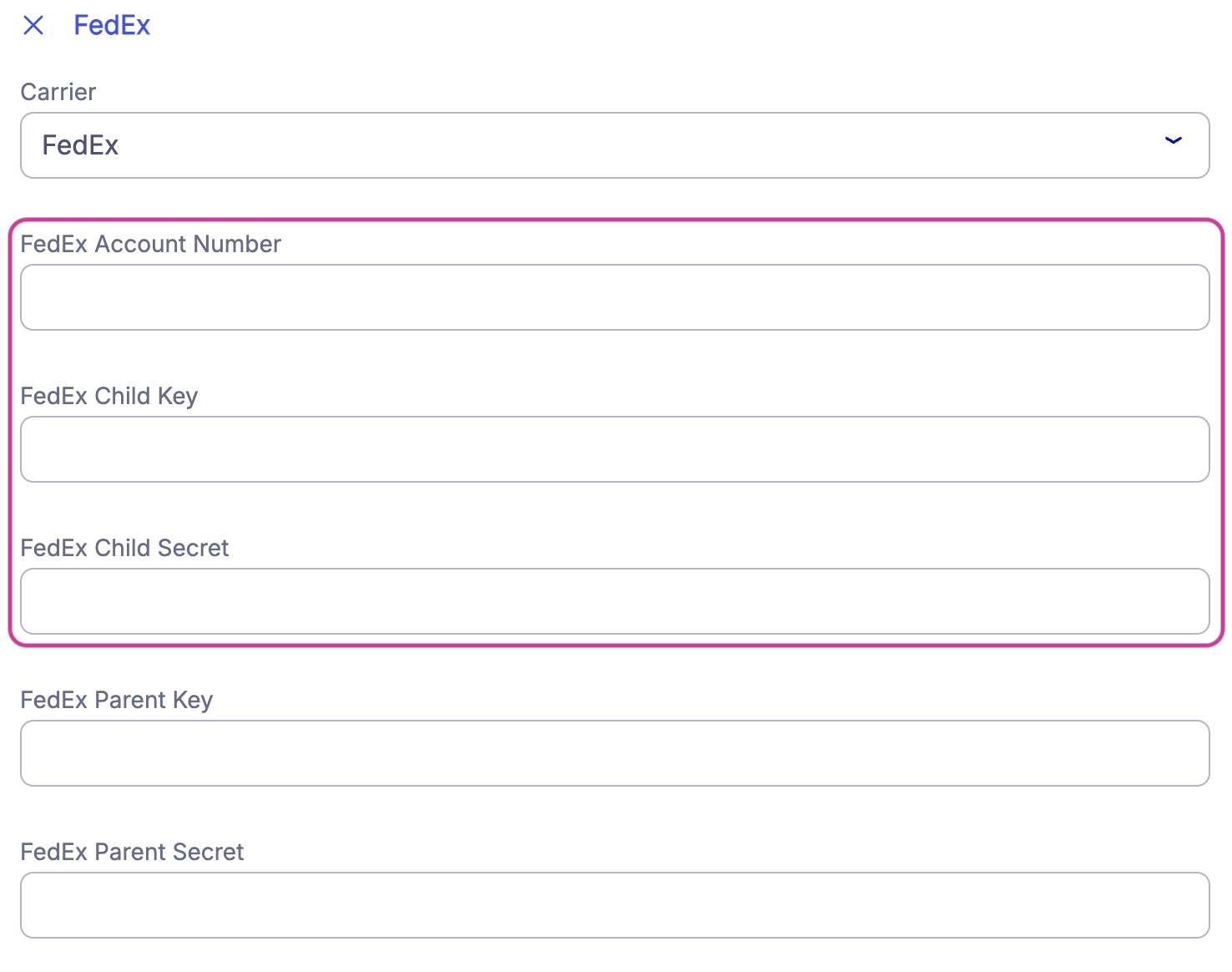
Go to the FedEx section.
Enter your account number and child credentials in the highlighted API credential fields.